7 Strategies per Element
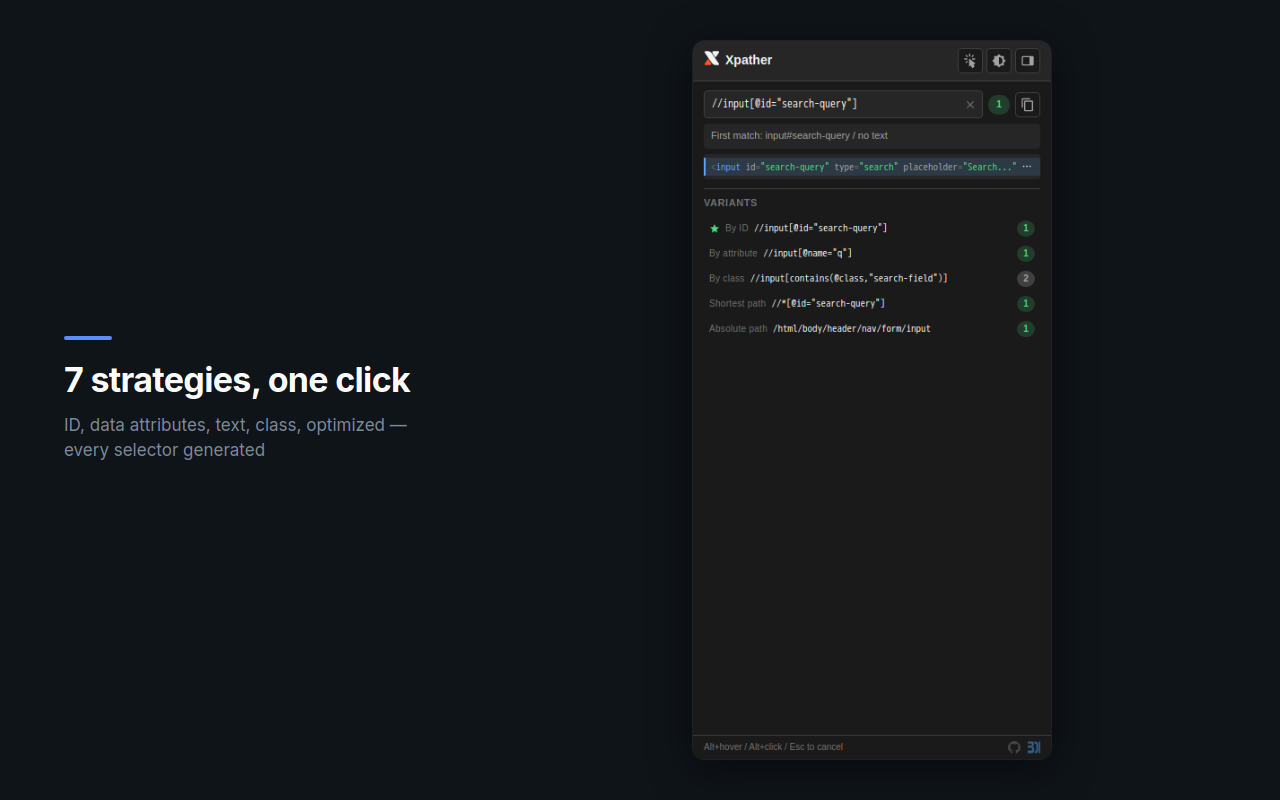
ID, data-attributes, text content, class, attribute, optimized shortest path, and absolute — all generated and ranked automatically.
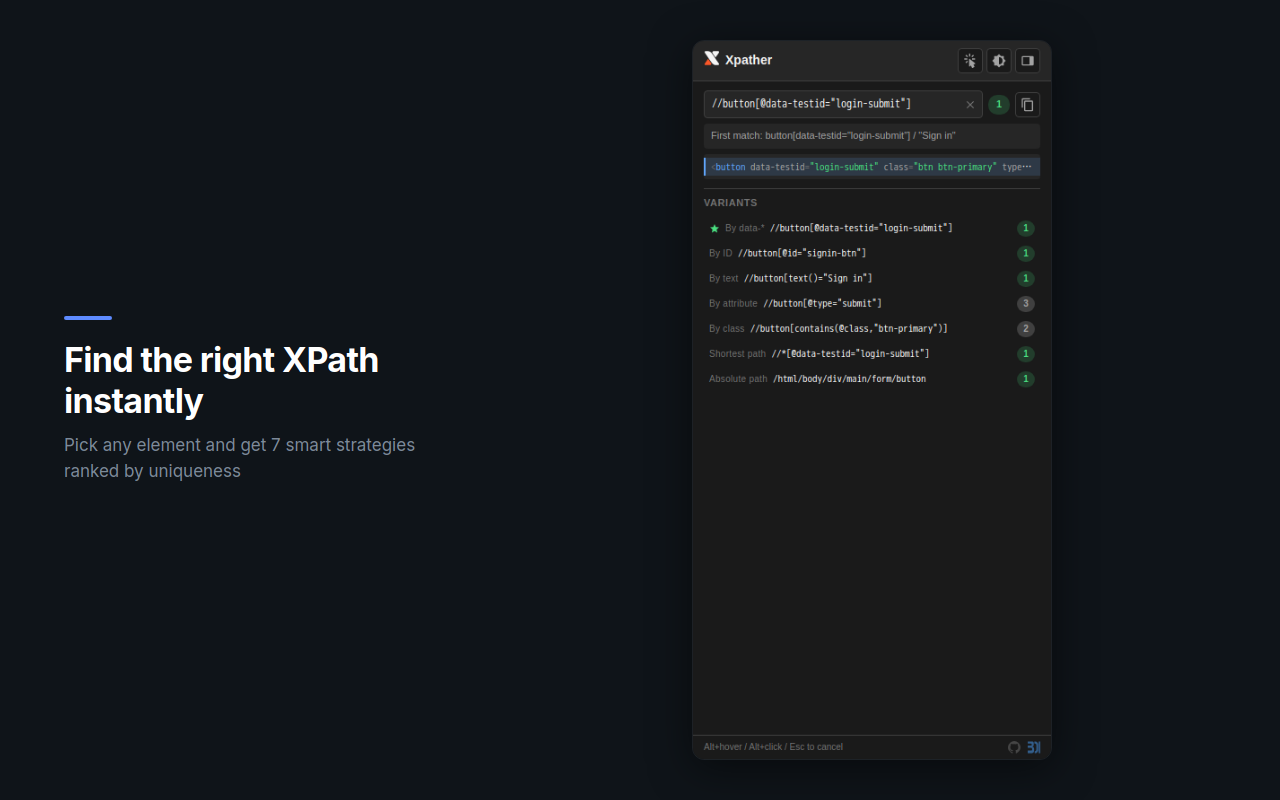
Pick any element on the page — Xpather generates up to 7 XPath strategies ranked by uniqueness. Review matches in a live DOM tree, copy with one click.
From quick element picks to advanced expression evaluation — all in a single panel.
ID, data-attributes, text content, class, attribute, optimized shortest path, and absolute — all generated and ranked automatically.
Alt+hover highlights elements in real time. Alt+click captures the target. No DevTools required.
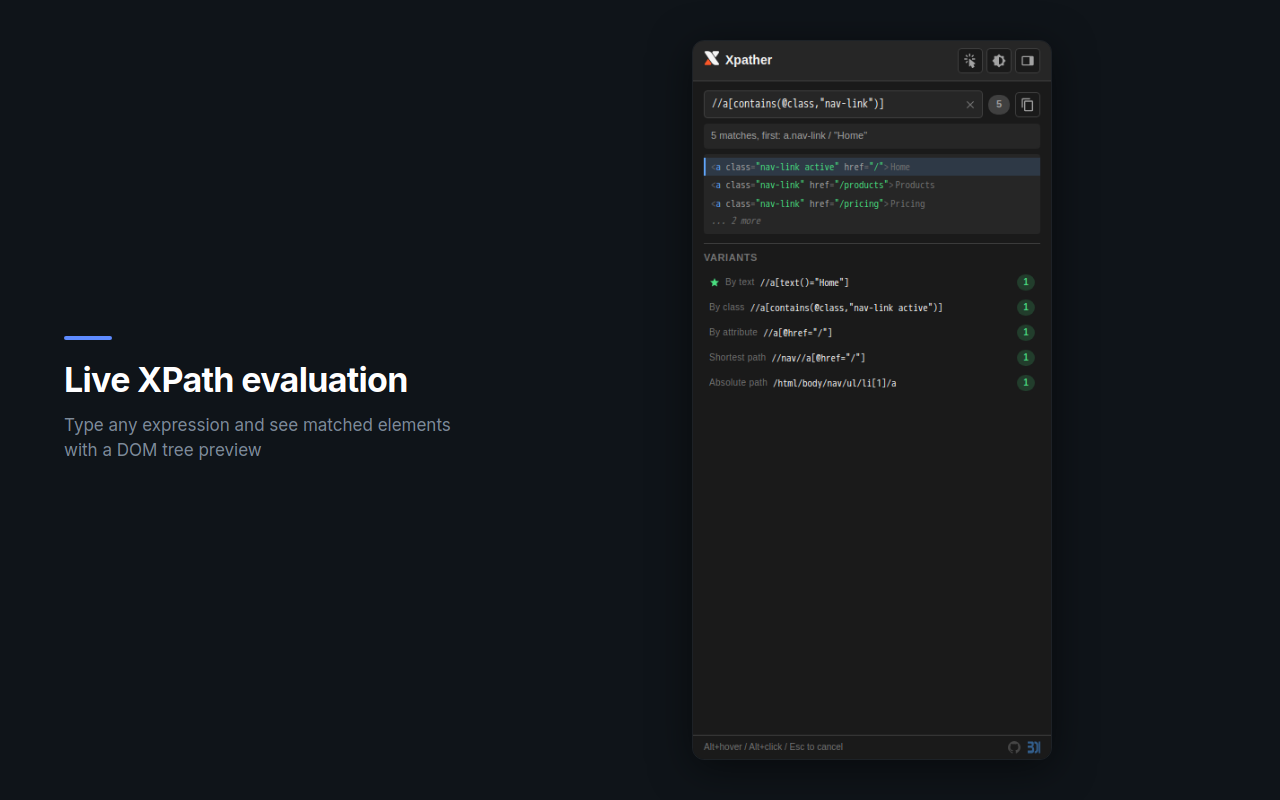
Type any XPath expression and instantly see how many elements match, with a structured DOM tree preview.
Visual hierarchy of matched elements — see tag names, attributes, and text content at a glance.
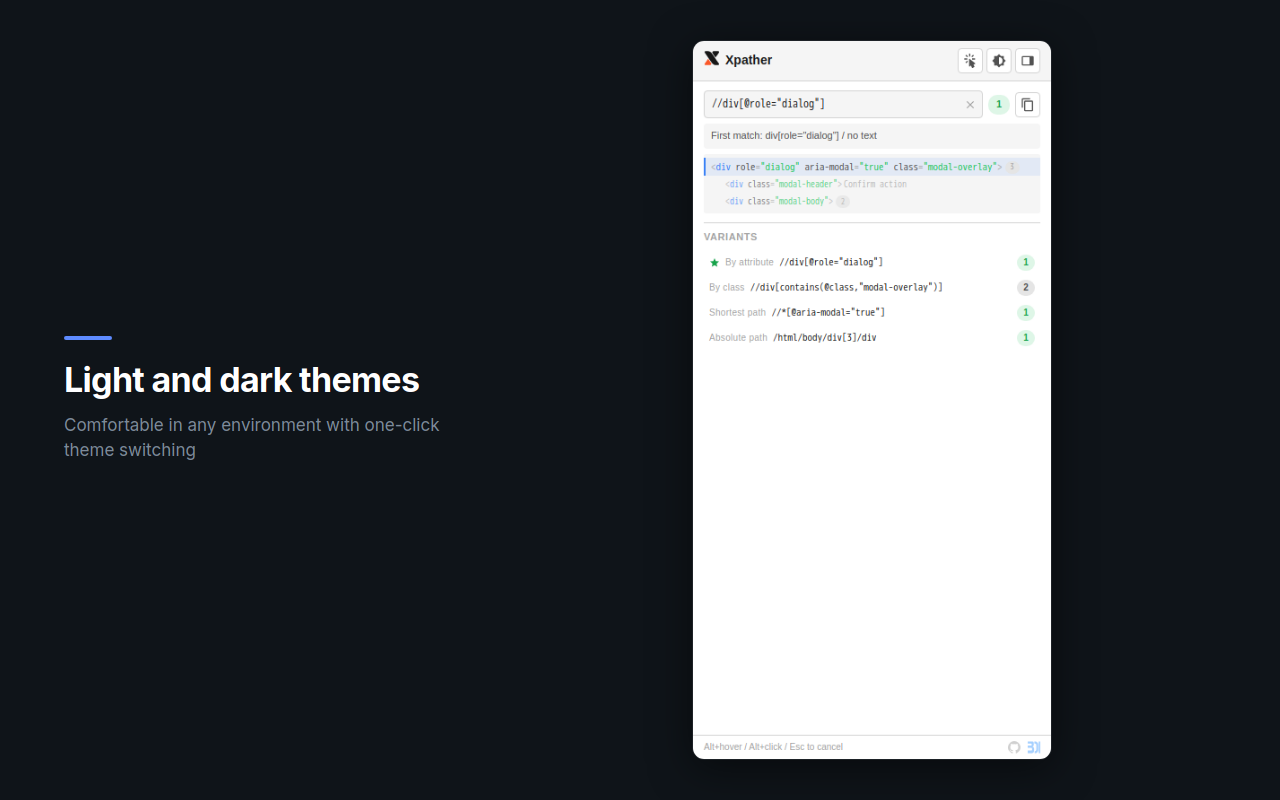
Follows your system preference or switch manually. Comfortable in any environment.
No tracking, no network requests, no analytics. Everything runs locally in your browser.
Activate the picker with Alt+click or the toolbar button. Hover to highlight, click to select.
Xpather generates up to 7 XPath variants. The best match is marked with a star. Check the DOM tree to verify.
One click to copy any XPath to clipboard. Paste into your test framework, scraper, or DevTools console.
Xpather is a local tool. Your data never leaves your browser.